


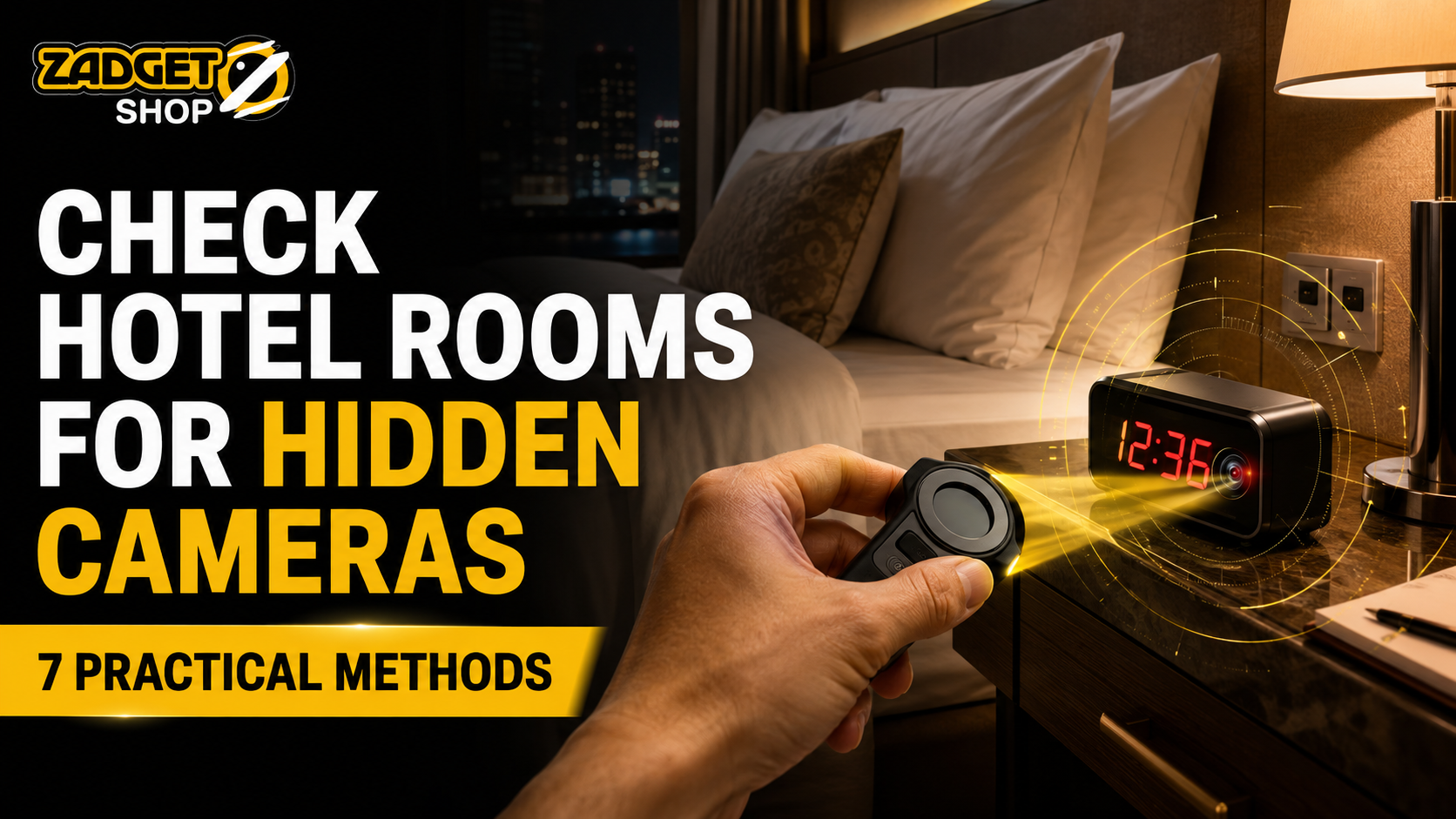
Checking an unfamiliar hotel, guesthouse or rental room does not require panic or complicated equipment. Inspect objects facing private areas, look for optical or infrared clues and re-check anything suspicious. No phone, app or consumer detector can prove that a room is completely camera-free.
Quick Answer: How Do You Check a Hotel Room for Hidden Cameras?
To check a hotel room for hidden cameras:
- Identify objects facing the bed, bathroom or changing area.
- Look for unusual holes, dark circular points, wires or modified electronics.
- Darken the room and check for unexplained indicator or infrared lights.
- Shine a flashlight slowly across likely hiding places and watch for repeatable lens reflections.
- Use your phone camera to check for some infrared emitters.
- Review devices on an authorized Wi-Fi network, while understanding what this can miss.
- Use a physical detector that matches the signal you want to find.
A reflection, light or unfamiliar network device is not proof. Inspect the object in normal light and repeat the check from different angles.
বাংলায় সংক্ষিপ্ত উত্তর
হোটেল রুমে গোপন ক্যামেরা আছে কি না পরীক্ষা করতে প্রথমে বিছানা, বাথরুম বা কাপড় পরিবর্তনের জায়গার দিকে মুখ করা বস্তুগুলো দেখুন। অস্বাভাবিক ছোট ছিদ্র, লেন্সের মতো প্রতিফলন, অচেনা তার বা পরিবর্তিত ইলেকট্রনিক ডিভাইস পরীক্ষা করুন। অন্ধকারে আলো বা ইনফ্রারেড সংকেত দেখুন এবং প্রয়োজন হলে অপটিক্যাল লেন্স ডিটেক্টর ব্যবহার করুন। একটি অ্যাপ, আলো বা প্রতিফলনকে চূড়ান্ত প্রমাণ ধরে নেবেন না—ভিন্ন কোণ থেকে আবার যাচাই করুন।
A Five-Minute Hotel Room Safety Check
If you want a fast inspection after checking in, use this sequence:
- Minute 1: Stand at the entrance and identify anything directed toward the bed, bathroom entrance or changing space.
- Minute 2: Examine unusual holes, device faces, chargers, clocks, lamps, media boxes and visible power connections.
- Minute 3: Reduce the lighting and look for unexplained LEDs or infrared light through a compatible phone camera.
- Minute 4: Use a flashlight or optical lens detector to scan suspicious objects slowly.
- Minute 5: Re-check every alert in normal light and document anything that remains unexplained.
This is a practical check for warning signs, not a professional security sweep.
What Each Hidden-Camera Checking Method Can—and Cannot—Tell You
| Method | What it may reveal | What it can miss |
| Visual inspection | Unusual openings, modified objects, exposed lenses or suspicious placement | Well-concealed or distant devices |
| Dark-room check | Visible status lights or some active infrared emitters | Cameras without visible lights or active infrared |
| Flashlight check | A concentrated reflection from an exposed lens | Lenses outside the viewing angle or behind solid material |
| Phone-camera check | Some infrared LEDs visible to a compatible phone sensor | Cameras without infrared and wavelengths filtered by the phone |
| Network scan | Discoverable devices on the same accessible network | Offline, wired, separately connected or locally recording cameras |
| Optical lens detector | Lens reflections within the user’s line of sight | Lenses with no visible optical path |
| RF detector | Active radio transmissions within its supported range | Inactive, wired or locally recording cameras |
Optical reflection, infrared emission and radio transmission are different signals. Choose a tool designed for the signal being checked.
Method 1: Map the Room Before Touching Anything
Start at the entrance and scan from left to right. A camera intended to capture useful footage needs a view, so prioritize objects positioned toward private activity.
Check:
- the ceiling and upper walls
- smoke detectors and visible sensors
- shelves, mirrors and wall decorations
- televisions, media boxes and routers
- bedside tables, clocks, lamps and chargers
- air-conditioning vents
- bathroom fixtures and the bathroom entrance
Their presence alone is not suspicious. Examine an item more closely when it appears altered, newly attached or aimed toward a private area. Do not open electrical fittings, disable safety equipment or damage property.
Method 2: Inspect Openings, Device Faces and Power Connections
A concealed camera still needs an optical path. Instead of assuming an entire device is dangerous, look for the small opening through which a lens could see the room.
Possible warning signs include:
- a hole that does not match the rest of the object
- a dark circular point behind translucent plastic
- an extra component on a charger, clock or adapter
- wiring or a power connection with no clear purpose
- a device placed at an unusual height or angle
- one fixture that looks different from otherwise identical fixtures
The object’s size is not a reliable test. The opening’s direction, access to power and view of a private area are more useful clues.
Method 3: Darken the Room and Look for Unexplained Light
Close the curtains and switch off unnecessary lights. After your eyes adjust, scan the room for small, unexplained points of light.
Some night-vision cameras use infrared LEDs. Certain emitters may appear faintly red to the eye, while others are visible only through a compatible camera sensor. However, televisions, air conditioners, routers, chargers and other electronics also use legitimate indicator lights.
Turn the lights back on and identify the source. An indicator does not prove recording, and this method misses cameras without active lights.
Method 4: Perform a Flashlight Lens-Reflection Check
Camera lenses can reflect light back toward the viewer when the light source is close to the viewing angle. This is why a slow, aligned scan works better than waving a flashlight quickly around the room.
To perform the check:
- Reduce the ambient light.
- Hold the flashlight close to your eye level.
- Sweep likely objects slowly.
- Stop when you notice a small, concentrated reflection.
- Move slightly left, right, closer and farther away.
- Inspect the point under normal room lighting.
A reflection becomes more meaningful when it remains concentrated and repeatable after small changes in angle and distance. Glass, polished screws, glossy plastic and metallic trim can produce false reflections.
Research has examined this retroreflection principle using specialized smartphone depth sensors. An ordinary flashlight is less capable, and no optical method can see through a solid object. See the LAPD concealed-camera detection research.
Method 5: Use Your Phone Camera Carefully
A phone can support part of a room scan, but it is not a universal hidden-camera detector.
First, test whether your phone camera displays infrared light:
- Open the camera.
- Point a television remote control toward it.
- Press a button on the remote.
- Check whether the remote’s emitter flashes on the screen.
- Repeat with the front and rear cameras because their filters may differ.
If one camera displays the remote’s light, darken the room and scan slowly for similar points. A hidden camera may not use infrared, its night vision may be off, or your phone may filter the wavelength. Visible infrared does not prove recording.
Method 6: Review the Room Network—Within Its Limits
When a hotel or rental legitimately provides Wi-Fi access, a network-scanning app may display devices visible on that same network. An unfamiliar device name or camera-related manufacturer may give you something to ask the property about.
However, a network list is not a map of your room. Hotels may operate televisions, access points, locks, sensors and other connected systems. A camera can also:
- record to a memory card without Wi-Fi
- use a separate router or mobile connection
- connect by cable
- hide its identity
- remain powered off during the scan
- sit on a network segment you cannot access
Reliable wireless-camera localization can require specialized hardware and deeper signal analysis; a basic device list cannot provide the same result. See the CamLoPA wireless-camera research.
Only inspect networks you are authorized to use. Never attempt to access, disrupt or control another device.
Method 7: Use a Physical Detector That Matches the Task
Physical detectors do not all perform the same job.
An optical lens detector helps reveal reflective lenses. An RF detector searches for active radio transmissions. Multi-function devices may add other modes, which should be claimed only when genuinely supported.
Zadgetshop’s Mini Hidden Camera Detector is an LED-assisted optical lens-reflection checking tool. It is pocket-sized and USB rechargeable, and it is intended to support a slow manual scan of hotels, Airbnbs, trial rooms, offices and similar spaces.
This model is not an RF, Wi-Fi, GPS, listening-device or magnetic-field detector, and it cannot guarantee that a room is camera-free.
When you notice a reflection:
- stop at that position
- adjust the viewing angle
- change the distance
- repeat the scan
- identify the object under normal light
Use the detector as an additional inspection aid, not as automatic proof.
Test an Optical Detector Before You Travel
Before travelling, place a known phone camera or webcam several steps away in a dim room. Scan its lens, change your angle and distance, and compare the result with a screw, glass edge and glossy plastic.
A lens reflection is generally small, concentrated and angle-dependent. This exercise teaches the technique; it does not measure detection range or prove the tool will find every camera.
Where Should You Look for Hidden Cameras in a Hotel Room?
Prioritize objects with a direct view of the bed, bathroom entrance, shower or changing space. Depending on the room, this may include clocks, lamps, chargers, media boxes, wall decorations, shelves, vents, hooks or electronic devices.
Ask four questions:
- Does the object have a suspicious opening?
- Is it unusually positioned toward a private area?
- Does it have an unexplained power connection or modification?
- Does a reflection or light remain suspicious after repeated checking?
Avoid treating the popular fingernail-gap mirror trick as proof. Mirror construction varies. Look for an actual opening, device, wiring, concealed space or repeatable optical clue.
How to Separate a Possible Lens from a False Positive
False positives include screws, glass edges, mirror highlights, polished metal, glossy plastic, remote sensors and ordinary LEDs.
Use this verification sequence:
- Repeat the scan from the same position.
- Change your angle slightly.
- Increase and reduce the distance.
- Switch on the room lights.
- Identify the physical object.
- Decide whether it has a reasonable viewing path toward a private area.
A result deserves more attention when it is concentrated, repeatable, connected to a lens-like opening and positioned toward private activity.
Can You Detect a Camera That Is Turned Off?
Sometimes, depending on the method.
An exposed lens may still reflect light when the camera is powered off, so a careful optical scan can sometimes reveal it. An RF detector normally requires an active transmission and may miss a powered-off device, a wired camera or one recording locally.
An infrared check also depends on active infrared illumination. This is why combining visual inspection and optical checking with other appropriate methods is more useful than relying on one tool.
What Should You Do If You Find Something Suspicious?
Do not panic, damage the object or dismantle electrical equipment. Re-check the object in normal light and from another angle. If your concern remains reasonable:
- Move to a safe place if you feel threatened.
- Photograph or record the object from a safe distance when appropriate.
- Note the property name, room number, time and exact location.
- Preserve your booking information and messages.
- Contact hotel management or the booking platform.
- Ask to change rooms or leave when you feel uncomfortable.
- Contact the nearest police station when you believe unauthorized recording may be taking place.
Call Bangladesh’s National Emergency Service at 999 when there is an immediate danger or urgent need for police assistance.
Bangladesh Police also operates Police Cyber Support for Women. Its official page lists the hotline 01320000888 and email cybersupport.women@police.gov.bd.
For an Airbnb stay, the platform states that hosts may not use cameras or recording devices to monitor any indoor part of a home, even when the equipment is turned off or disconnected. Hidden cameras are prohibited. Review the current Airbnb security-camera policy and report a suspected violation through the platform.
Frequently Asked Questions
Can a hidden camera detector find every camera?
No. An optical detector requires a visible lens reflection, while an RF detector requires a detectable transmission. Power state, distance, angle and surroundings also affect results. Treat every alert as a clue, not proof.
Can a mobile phone detect a hidden camera?
A phone may display some infrared emitters, support a flashlight check or show visible network devices. It cannot reliably detect every inactive, wired, locally recording or deeply concealed camera.
How can you find a very small hidden camera?
Focus on the lens opening, not the camera’s size. Look for a dark point, repeatable reflection, unexplained wiring or an object aimed toward a private area.
How do you check a mirror for a hidden camera?
Inspect the mirror, frame and wall for openings, wires, unusual fittings or repeatable reflections. The fingernail-gap trick is not proof. Ask the property to explain anything suspicious.
Can an optical camera detector find listening devices?
No. An LED-assisted optical detector helps reveal reflective camera lenses; it does not automatically detect microphones, GPS trackers or radio bugs.
How do you avoid false positives during a room scan?
Scan slowly, change the angle and distance, and identify the object in normal light. Screws, glass, LEDs and shiny plastic can imitate a lens reflection.
How should you check an Airbnb for hidden cameras in Bangladesh?
Inspect objects facing private areas, unusual openings, power connections and lens reflections. Document credible concerns, leave if necessary, and contact Airbnb and local authorities.
Final Takeaway
Combine visual inspection with careful optical, phone or network checks, remembering each method’s limits. No method can certify that a room is camera-free; a calm, repeatable process is more reliable than fear or an app promising universal detection.